How do I change the number of decimal places in prices?
Last updated 19 days ago
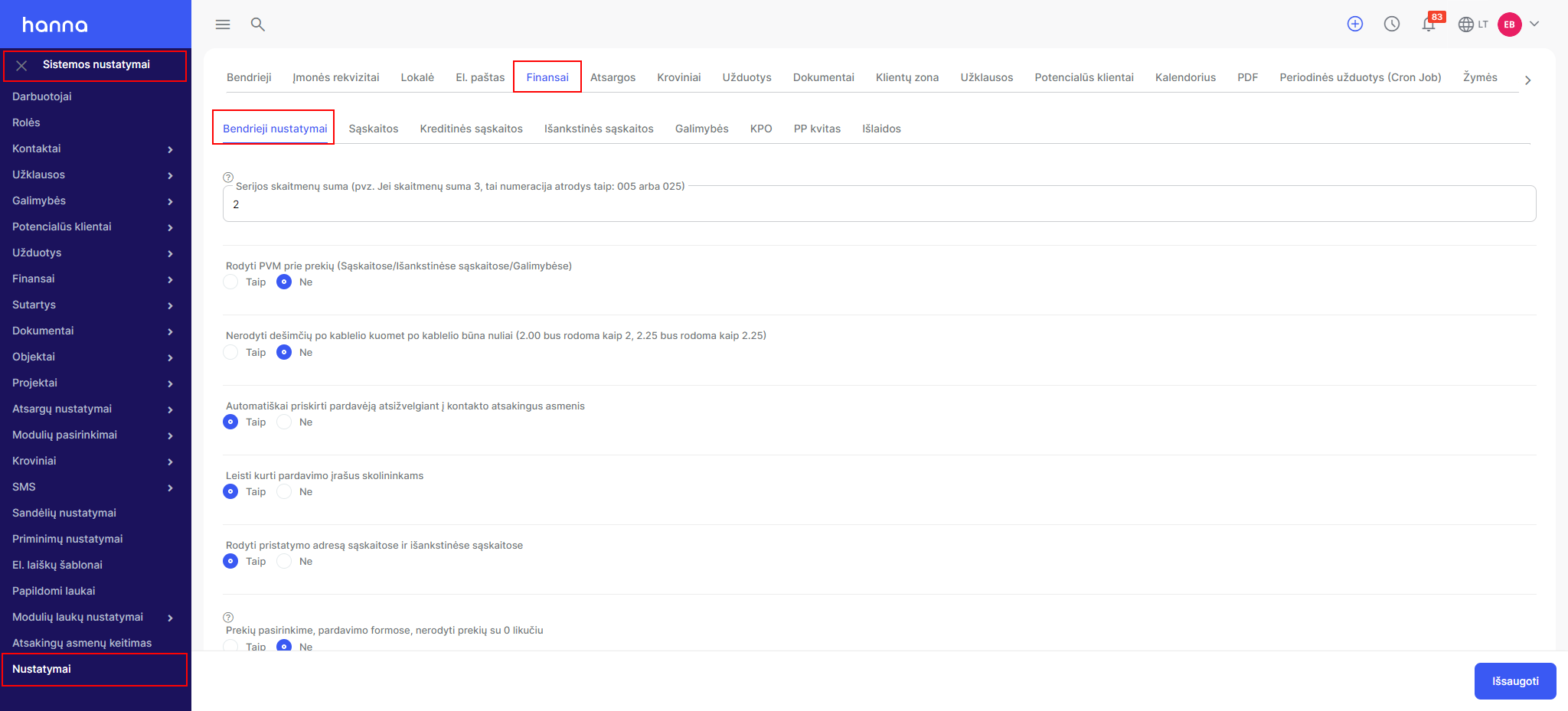
If you want to change the number of decimal places in the system:
ChooseSystem Settings - Settings - Finance - General Settings:
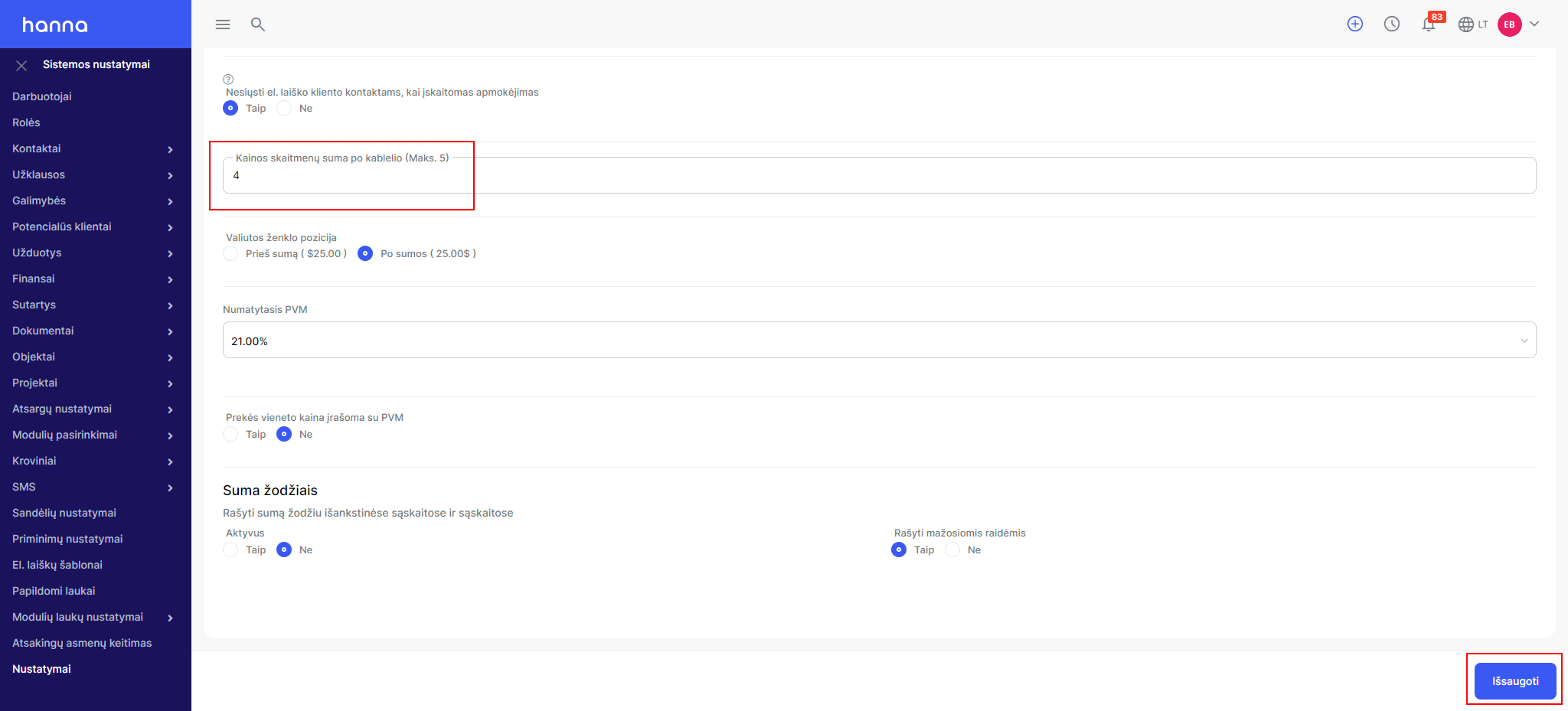
Below on the page you will find the option -Sum of price digits after the decimal point (Max. 5),specify the required number and save the changes:
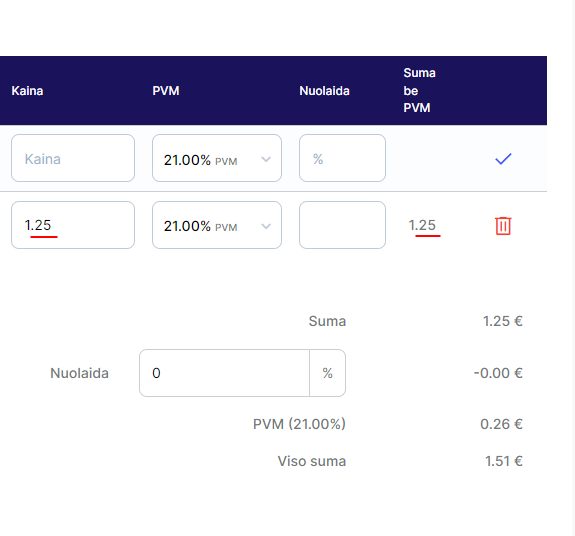
Then the system will display more decimal places in the sales documents:
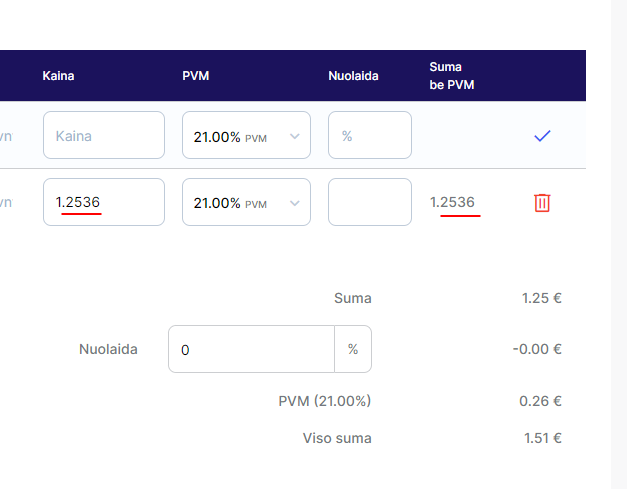
If a sales document (invoice, opportunity, etc.) has already been created, then the item lines of the document should be adjusted again.
Was this helpful?
Still need help? Ask the team