Bulk actions by module
Last updated 13 days ago
In this manual
Contacts
In the mass action of the contacts module, you can change contacts:
- Categories;
- Type;
- Assignees;
- Price level groups.
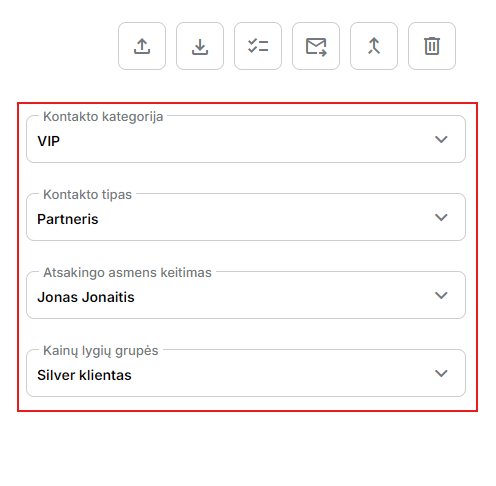
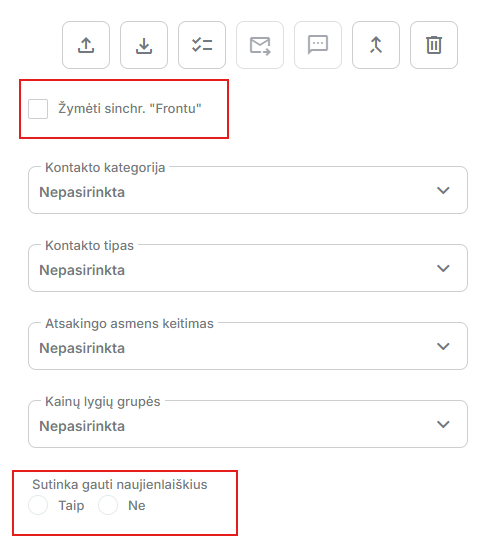
Also,Contactsthe module's mass action button has two additional onesFrontandMailerLiteoption:
- Front option - Mark sync. with Front.
- MailerLite option - Agree to receive newsletters.
Both options are displayed only if you use the following integrations in the system:
Leads
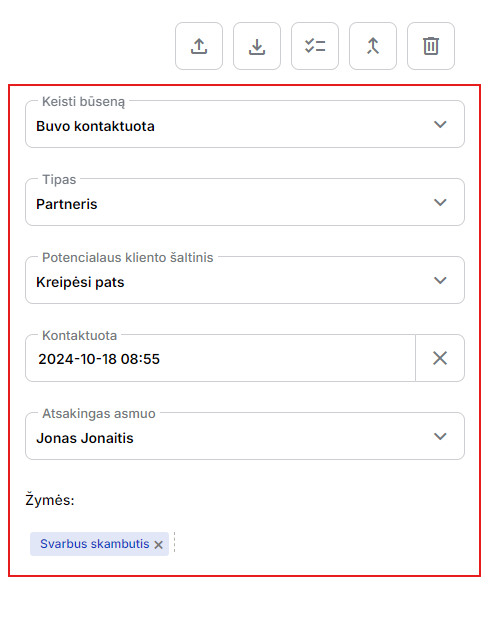
In the Leads module, in a bulk action you can change:
- status;
- type;
- Source;
- Contact date and time;
- Assignees;
- Add tags.
Tasks
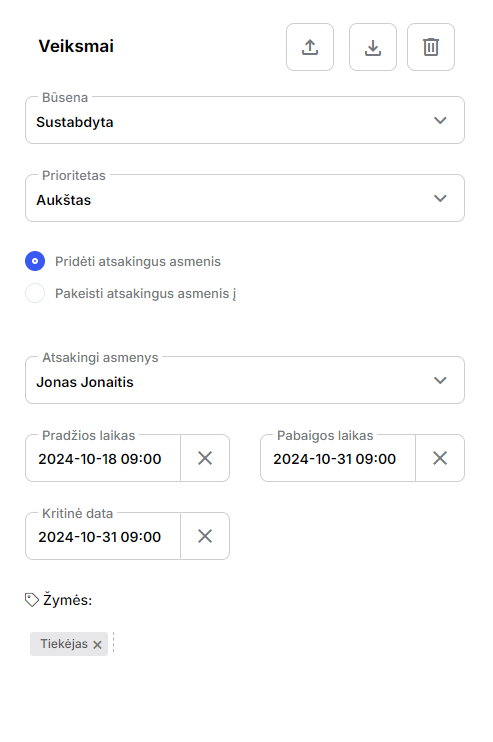
In the Tasks module, in a bulk action, you can change:
- status;
- Priority;
- Add or change assignees for the task;
- Set start, end or critical date times;
- Add tags.
Cargo
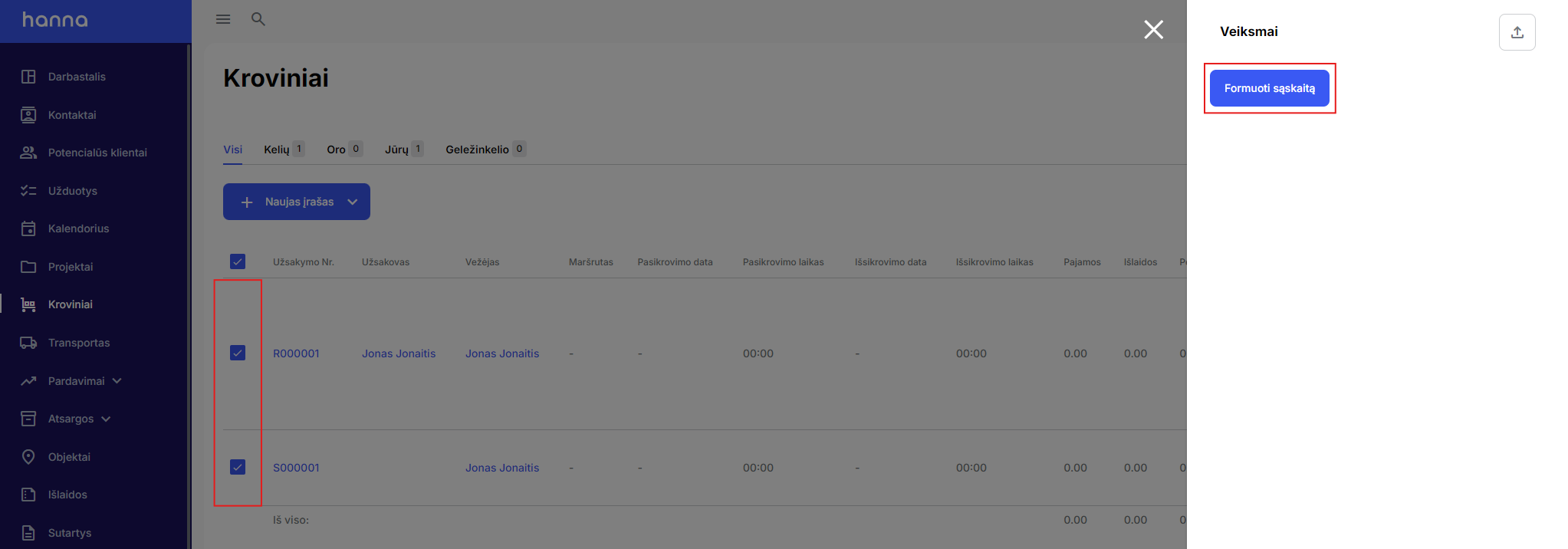
In the cargo module, you can create invoices in a mass operation. Select the desired loads and by selecting the bulk action button you will be able to generate an invoice:
Opportunities
In the Opportunities module, you can create bulk orders for suppliers in a mass action. Select the desired options and by selecting the mass action button, you will be able to create mass orders for suppliers and change the assignee:
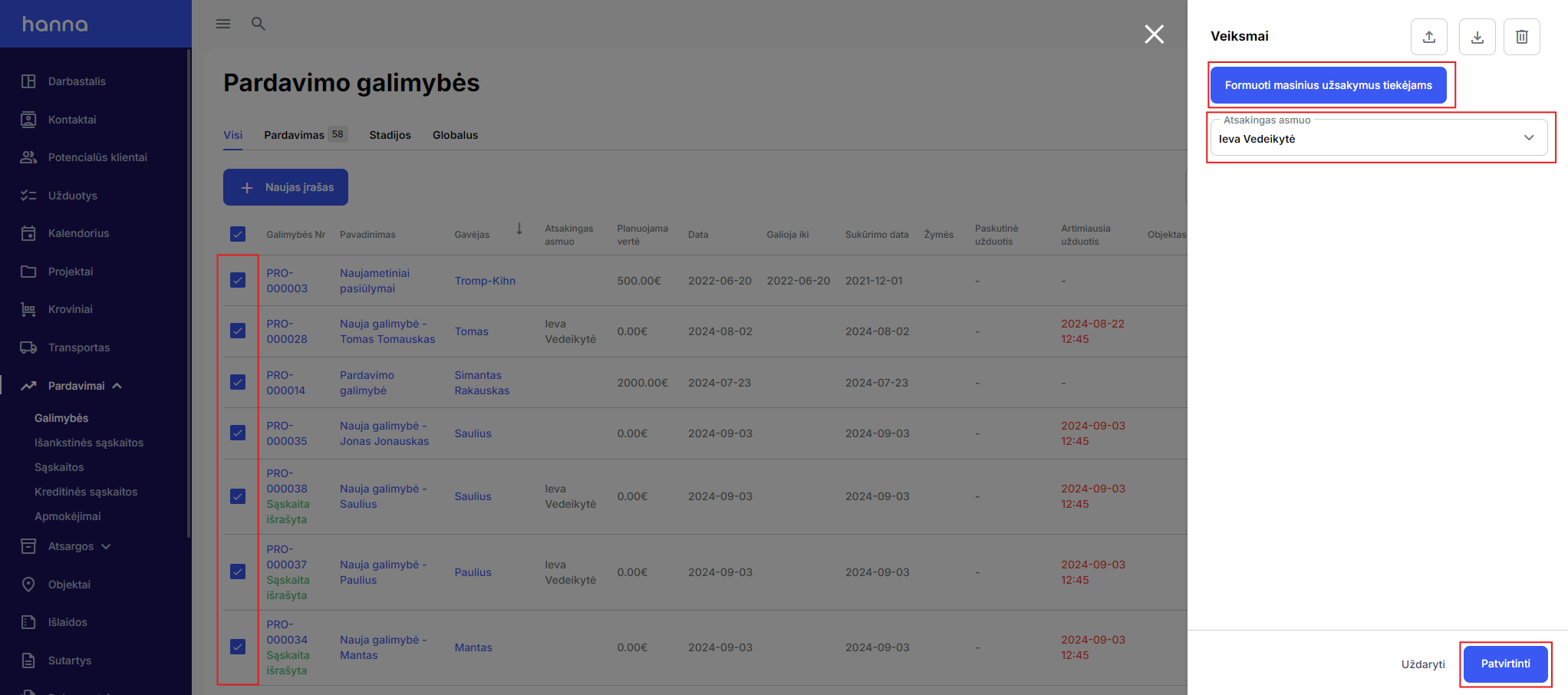
The system will then take you to order creation, where the available goods and the supplier will be specified.
Accounts
In the invoices module, you can export selected invoice records and send invoices to customers using a mass action. Select the desired accounts and after selecting the bulk action select the envelope icon:
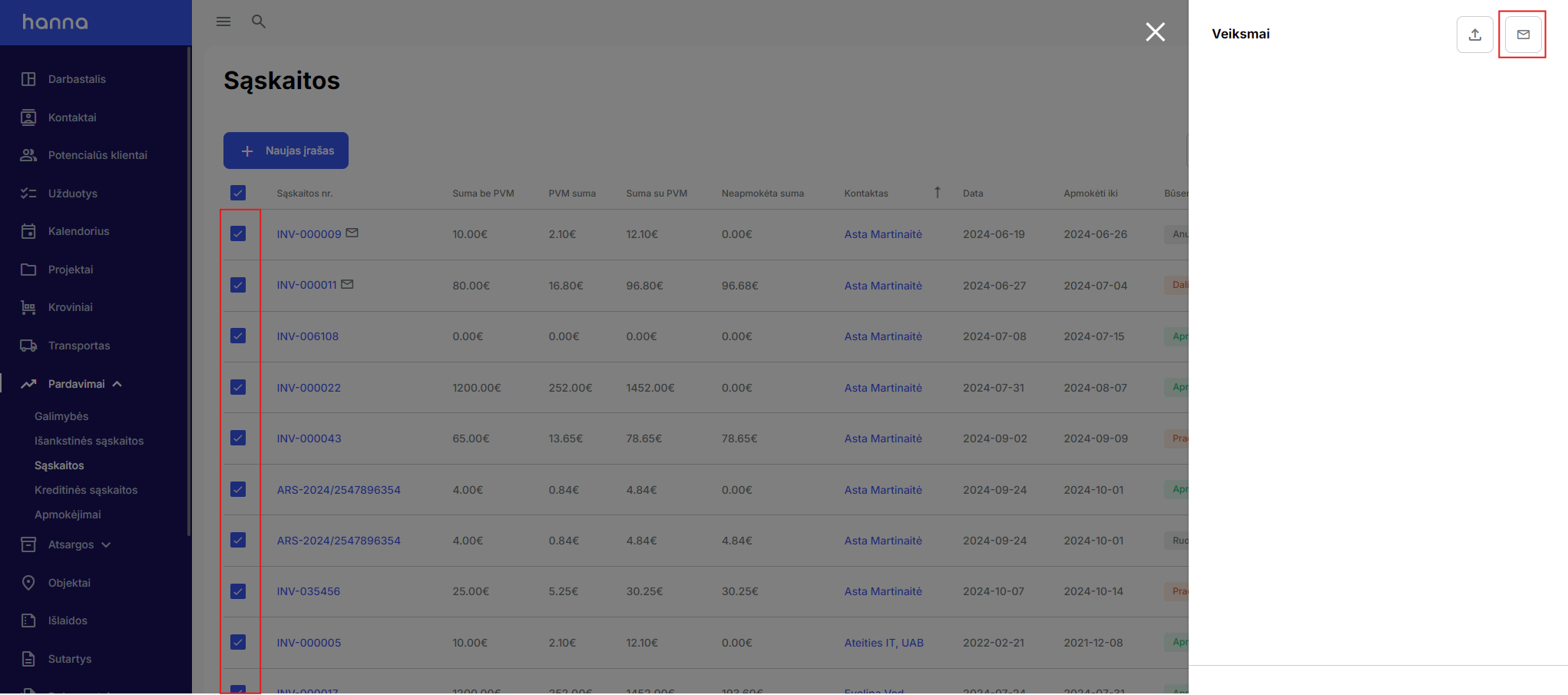
Learn more about this featureread here.
Goods
In the Items module, with the help of a mass action, you can:
- Generate PDF documents in a different format with product photos;
- Create opportunities;
- Create orders from selected products.
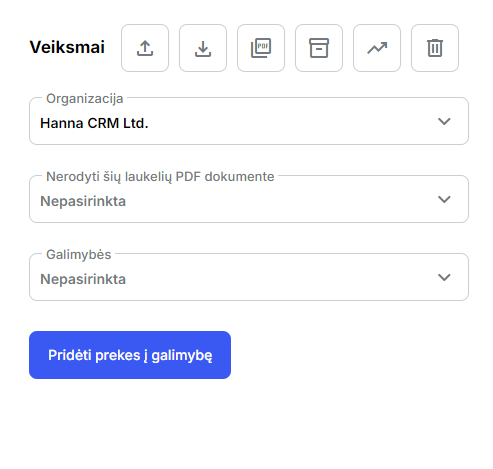
More information aboutIn the Items modulebulk action functionality you will findin this manual.
Requests
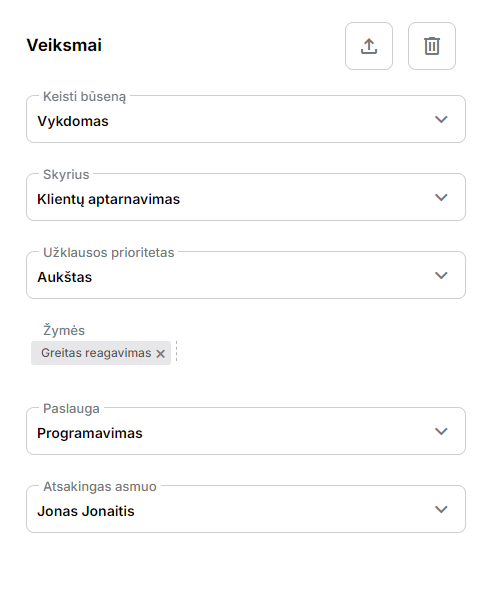
In the Tickets module, you can make changes with the help of a mass action
- status;
- Sections;
- Priority;
- Tags;
- Services;
- Assignees;
- Delete requests.
Was this helpful?
Still need help? Ask the team