How do I change record colors in the calendar?
Last updated 19 days ago
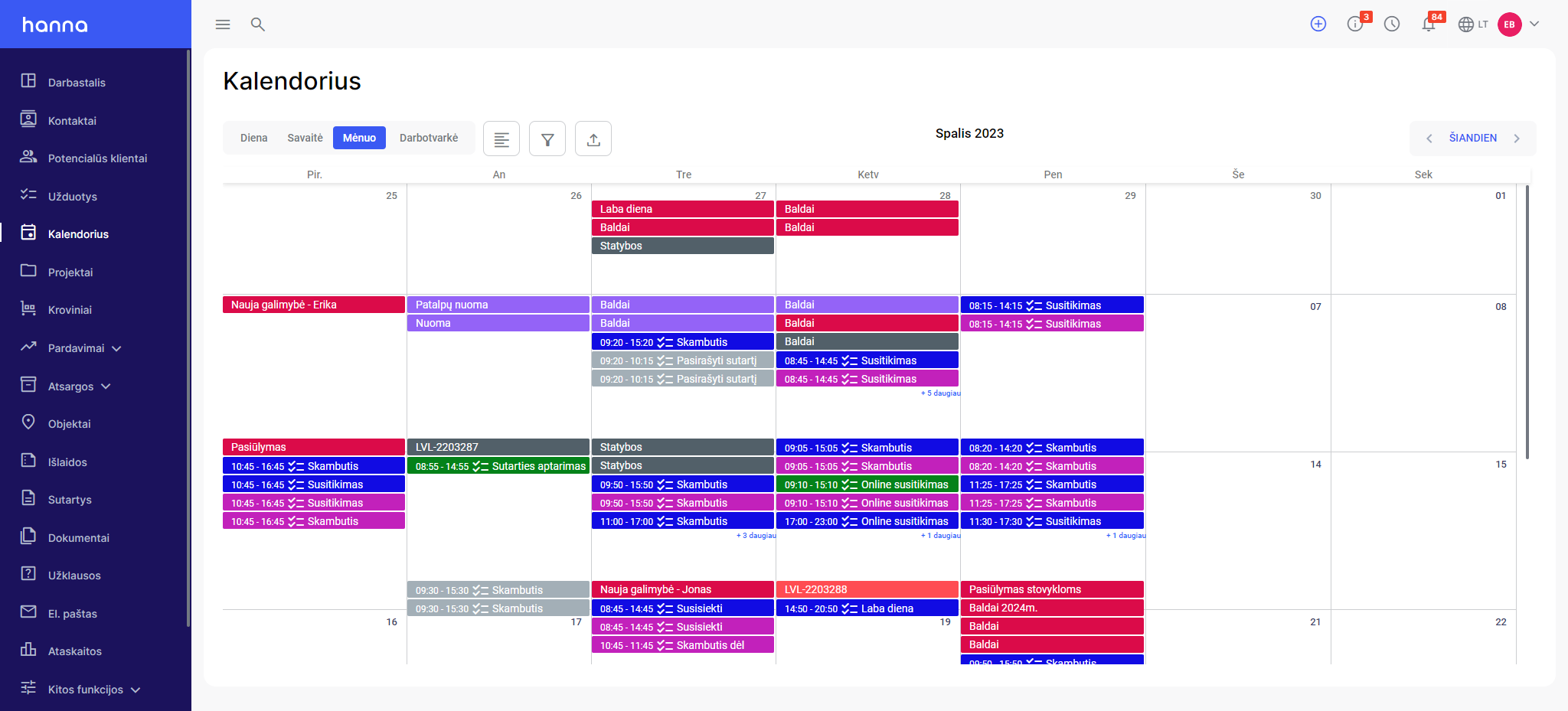
You can change colors for entries in the calendar.
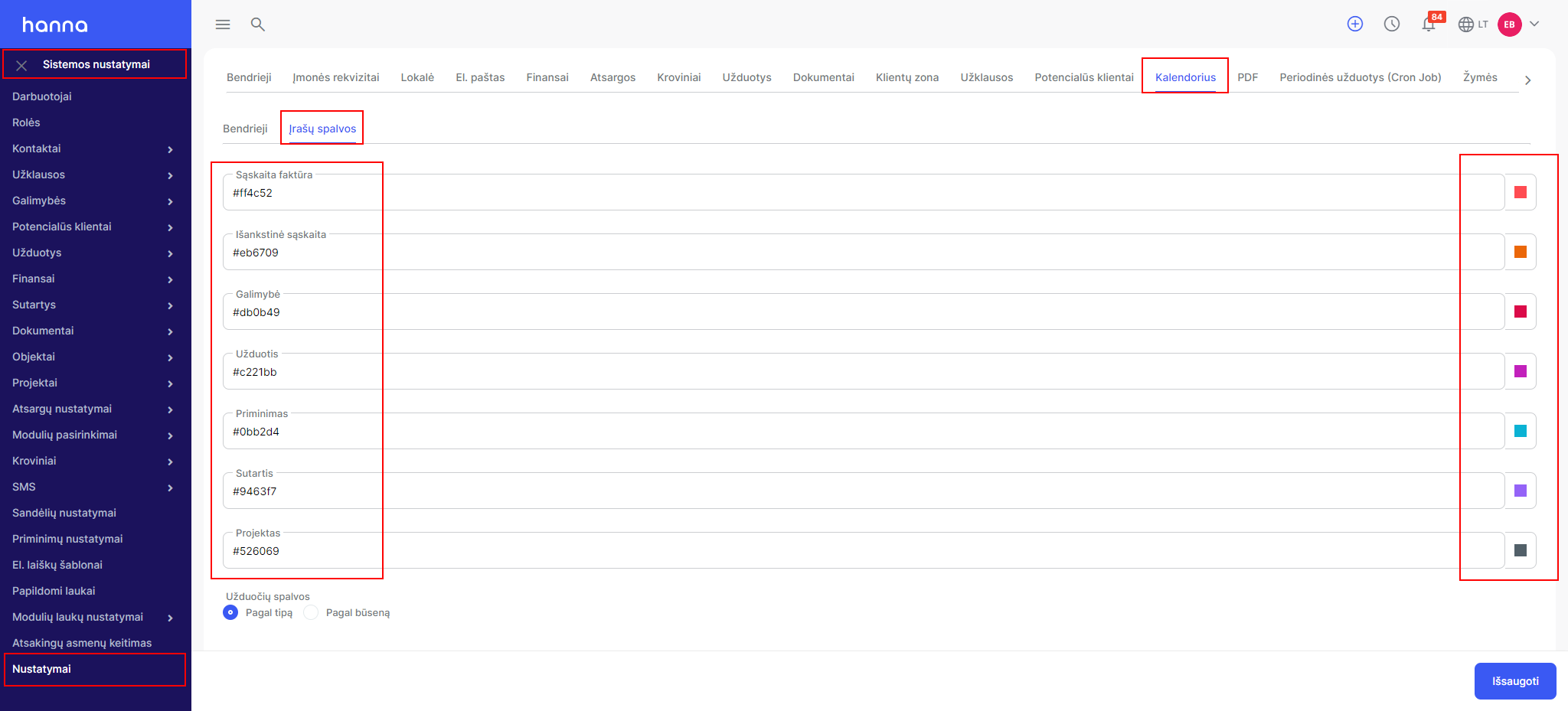
- ChooseSystem settings - Settings - Calendar - Record colorsand select the entry to which you want to add/change a color and select the desired color from the palette on the right side:
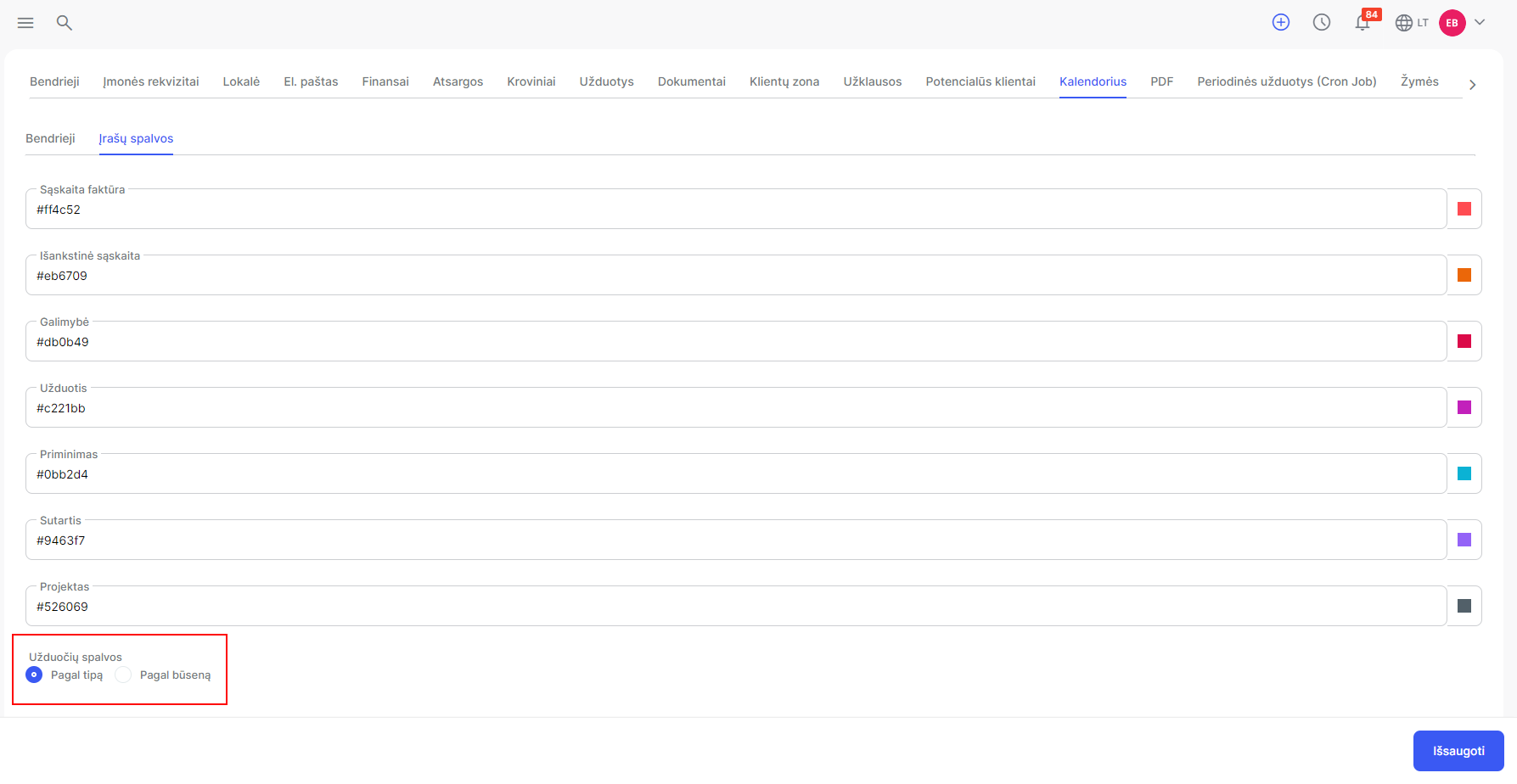
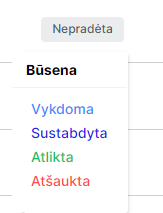
- Task colors can be mapped based on their type or status:
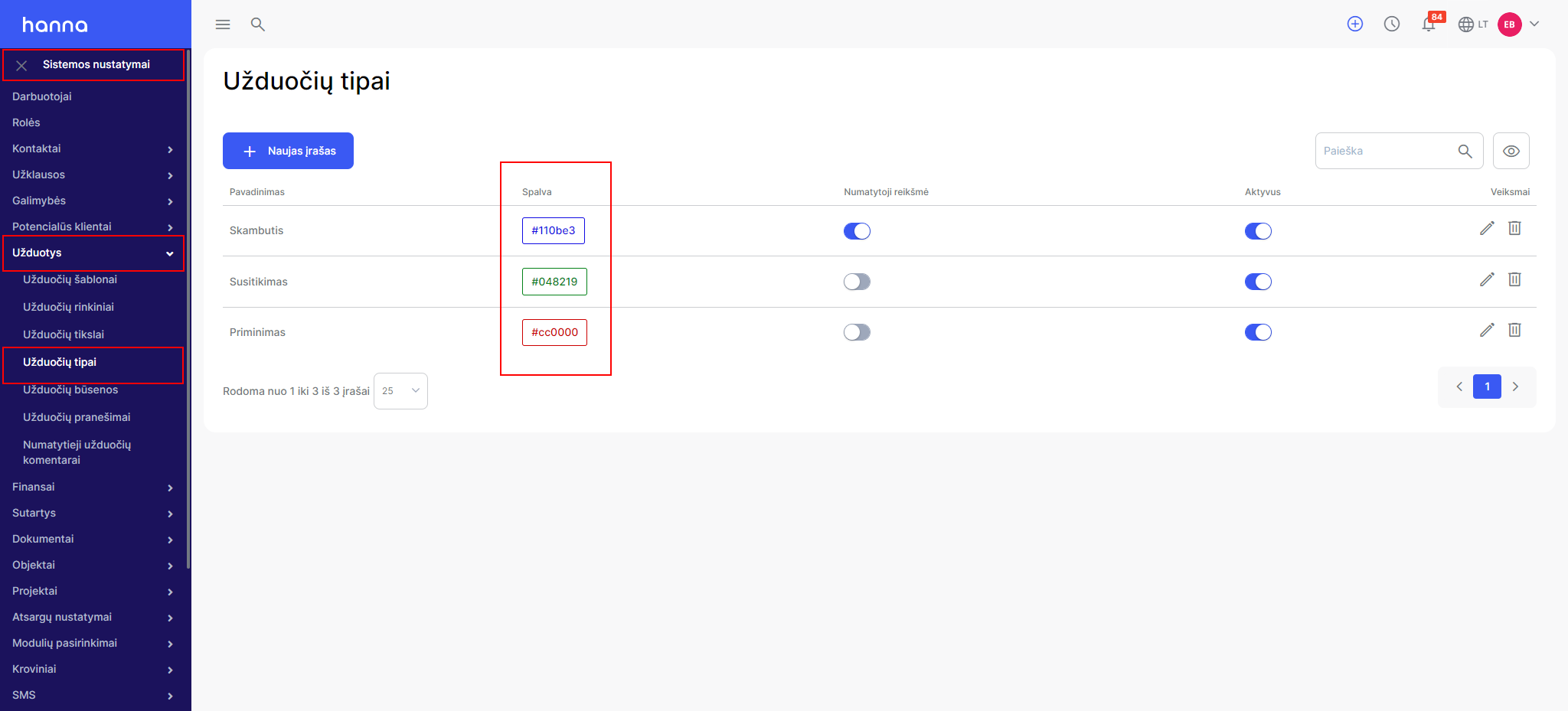
- By type:
You can specify the colors of the task types by selecting themSystem settings - Tasks - Task types:
- By status:
Was this helpful?
Still need help? Ask the team