How do I correct customer information in a PDF document?
Last updated 19 days ago
You can correct the buyer's address in the generated sales documents:
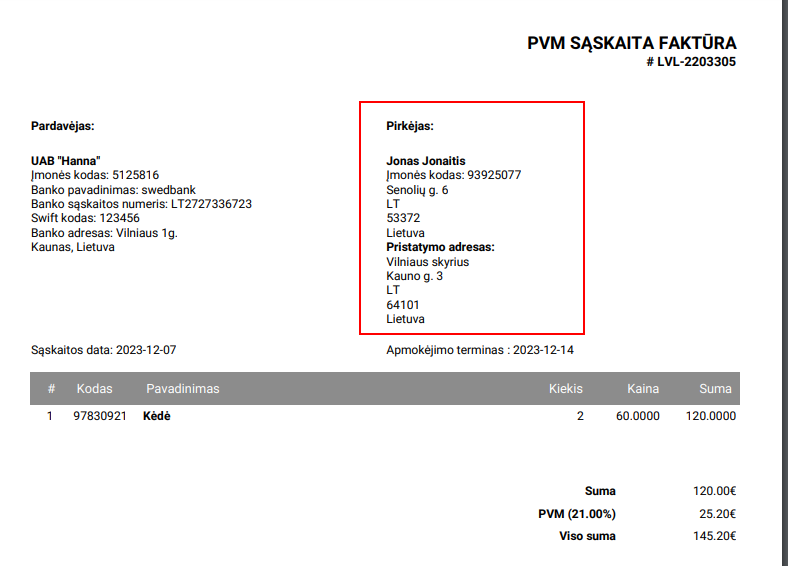
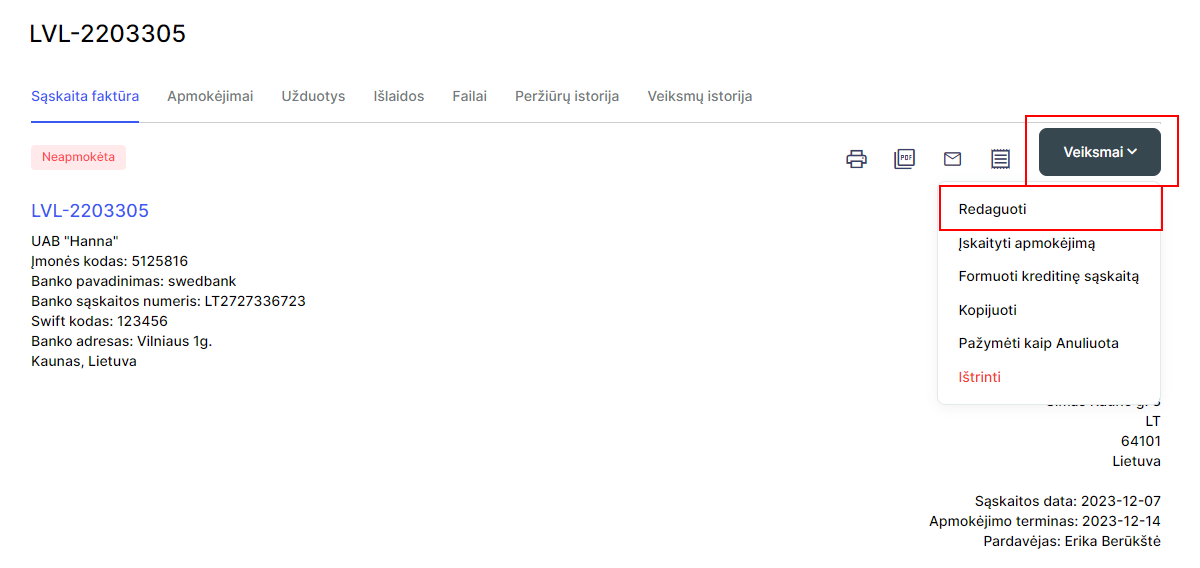
- Select the desired option, account, prepaid account or credit and selectActions - Edit:
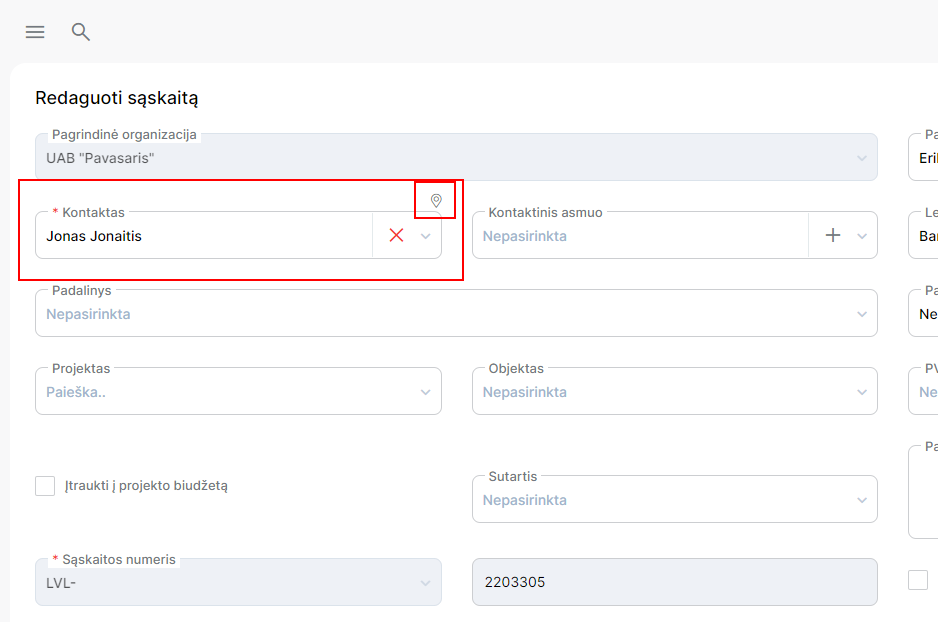
- In the editing form atContactbox you will see a small icon, select it:
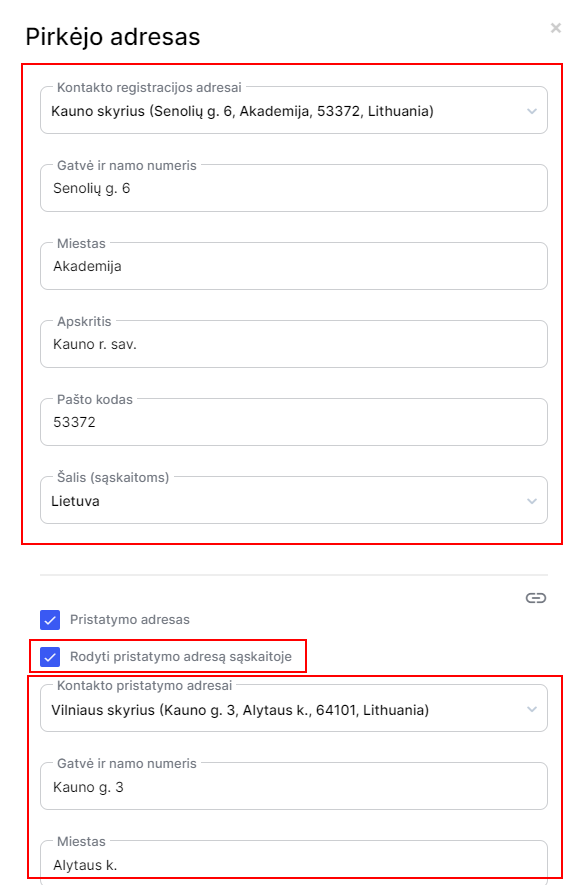
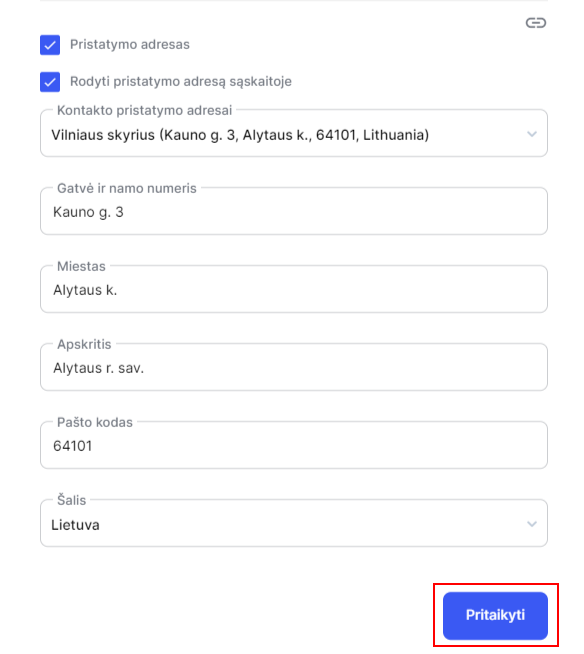
- The system will open a table with customer address information. In the first part of the table, you will see the customer's registration address, and in the second part of the table, the customer's shipping address will be displayed. You can also specify whether or not the buyer's shipping address was specified on the sales document:
- After making address corrections, save the changes:
- And save the invoice, then the customer information will be updated in the PDF document.
Was this helpful?
Still need help? Ask the team