How do I enable system notifications?
Last updated 19 days ago
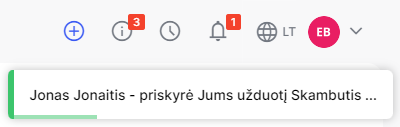
From now on, incoming messages are automatically updated in the system at the bell icon. Upon receiving a system message, the system will display it at the top of the screen:
and the number of messages displayed next to the bell will automatically change:
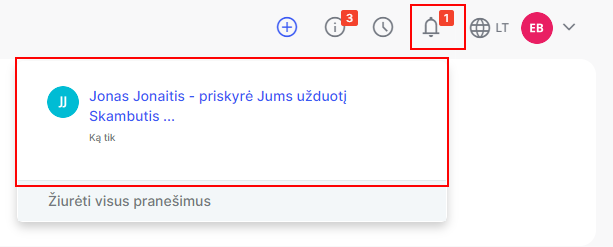
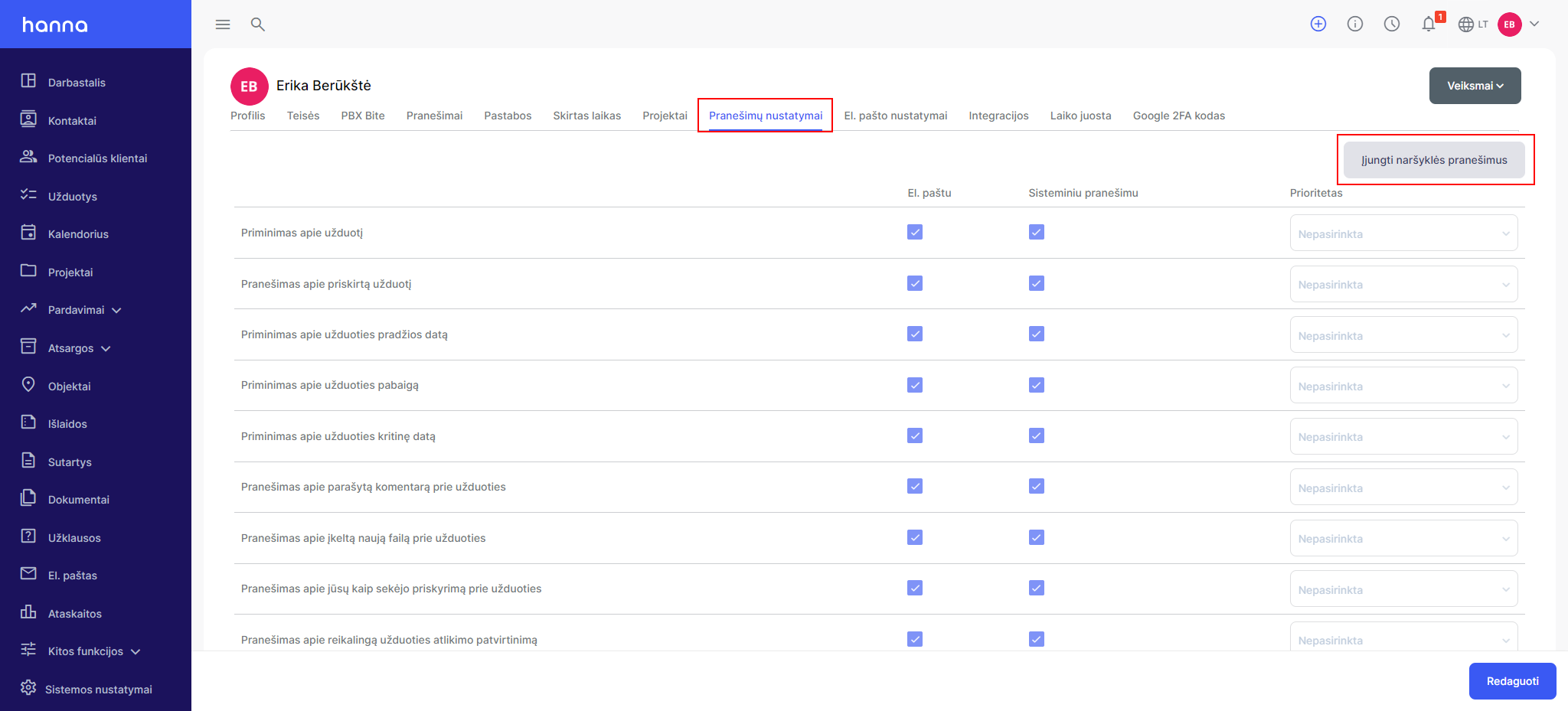
You can also enable browser notifications in the system. Select your profile -Notification settings- press the buttonEnable browser notifications:
confirm the permission that will be displayed by the browser:

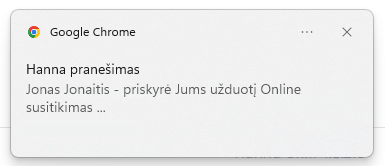
then when you receive a message in the system, it will also be displayed through browser notifications:
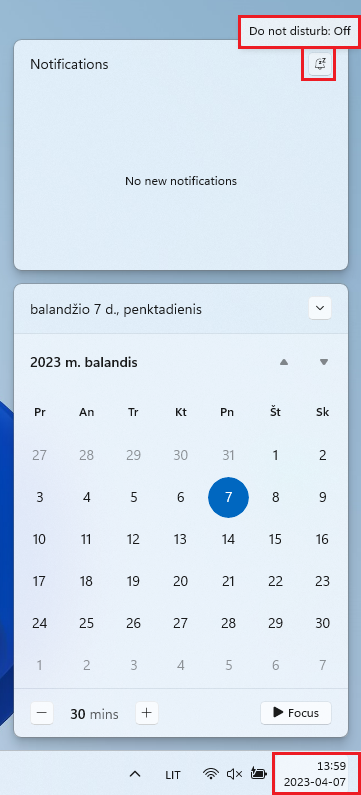
Also, make sure that it is not enabled on your computerdo not disturbmode. Select a computerStartin the date field and toNotificationsyou will see a bell that should be labeled asDo not disturb: Off:
Was this helpful?
Still need help? Ask the team