How do I change the company logo?
Last updated 19 days ago
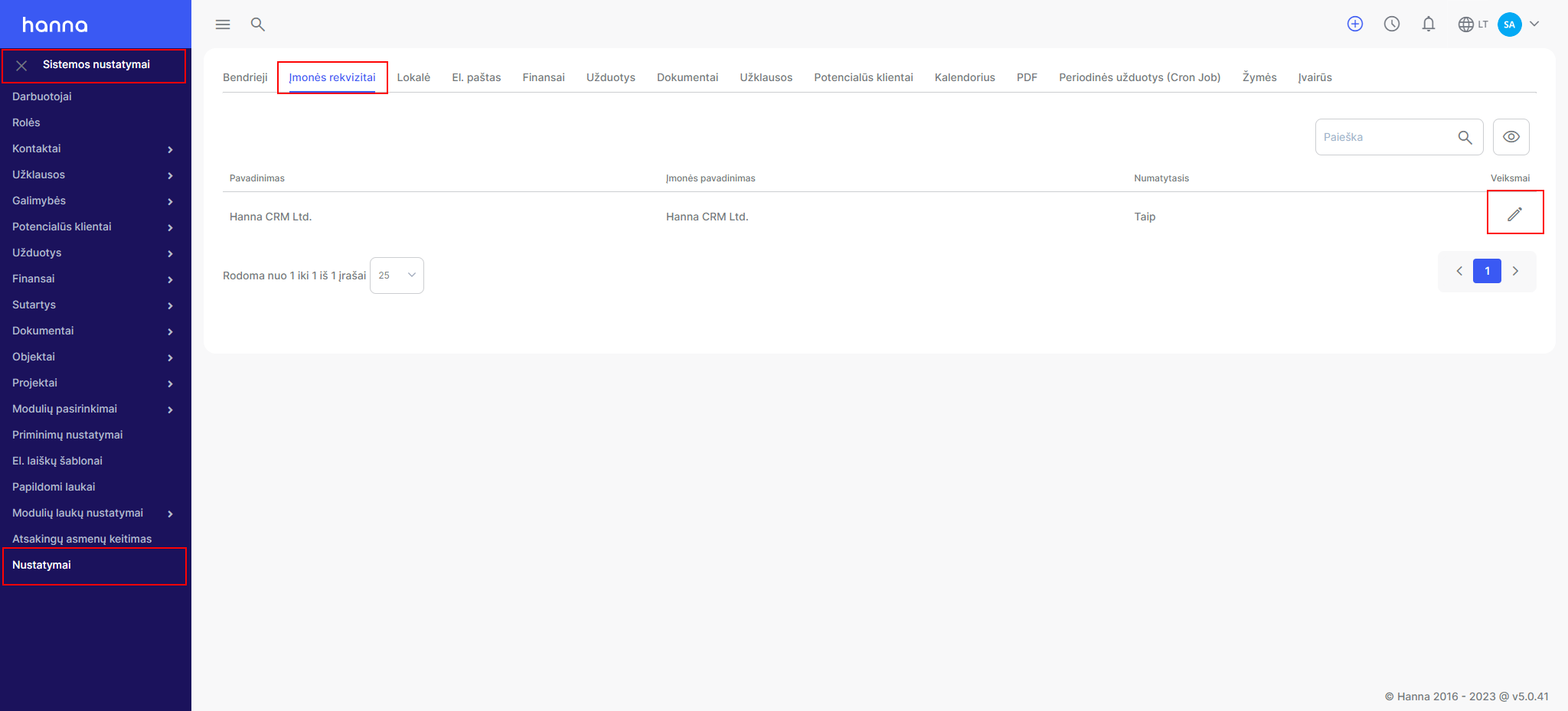
- Select to change the company logo in the systemSystem settings - Settings - Company details- select company edit:
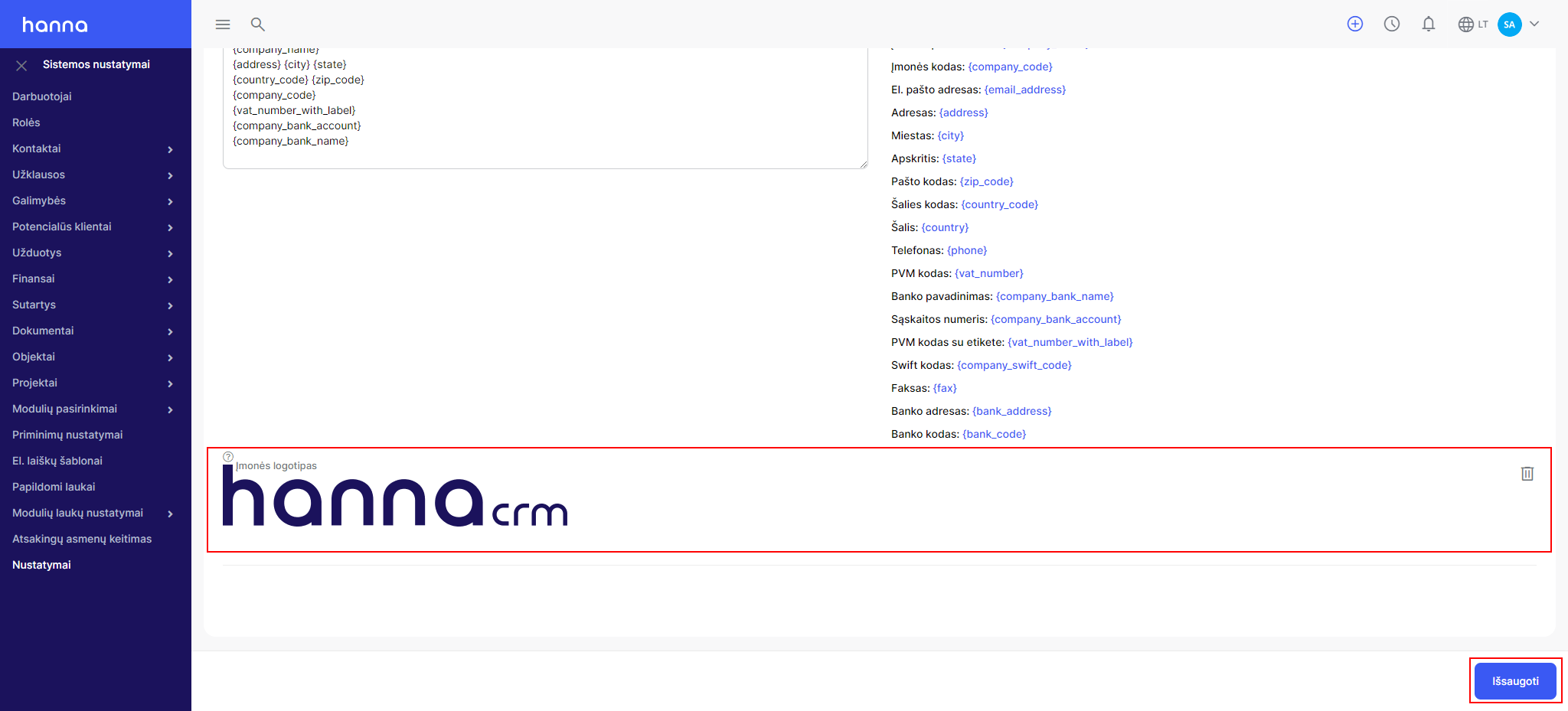
- At the bottom of the page, you'll see a Company Logo box where you can add or change your logo. Upload the file and save the changes:
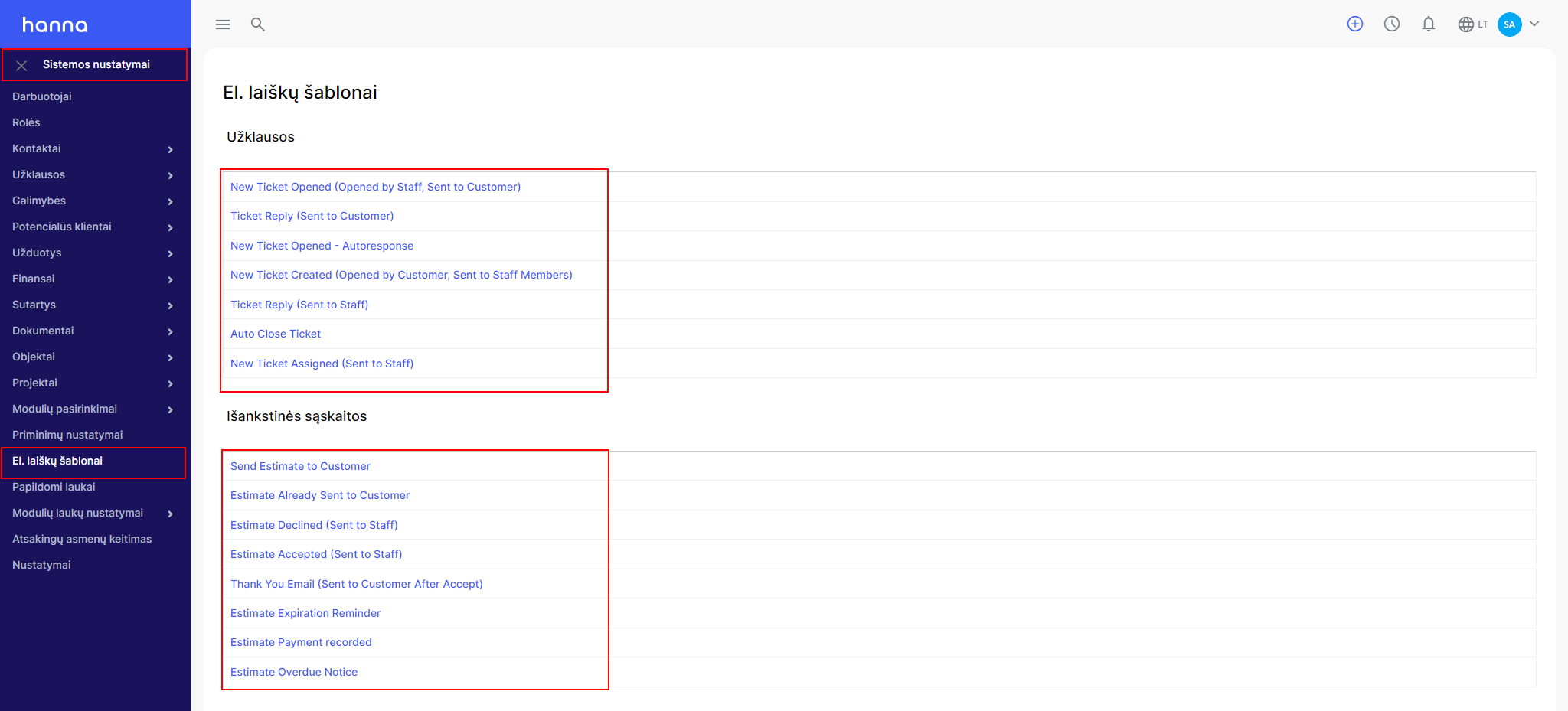
- If you want your company's logo to be displayed in system messages, then select the option on the left side of the menu -Email templates.In this window you will see all messages sent systematically to customers. Select the desired template:
- Select an optionShow company logoand save the changes:
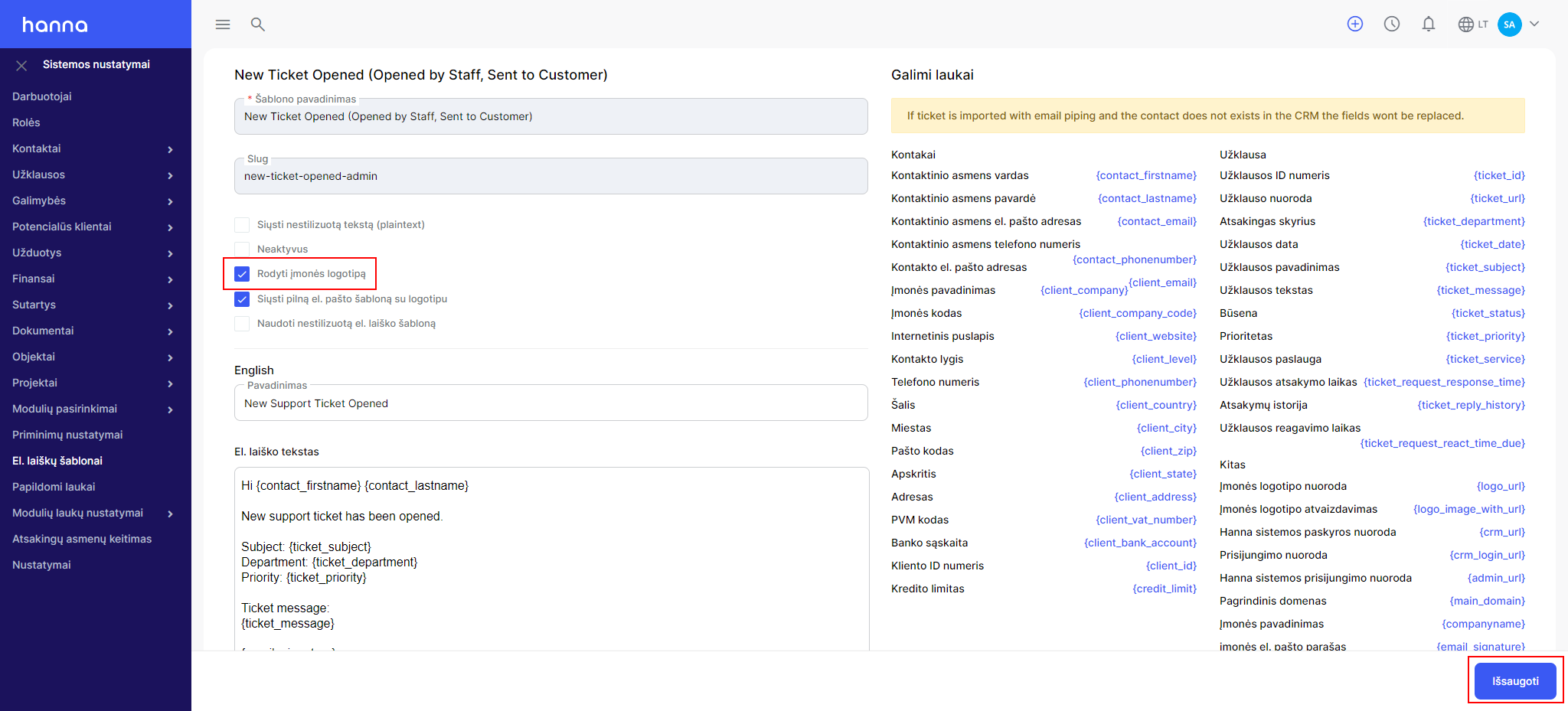
These steps should be performed for all e-mails. letter templates.
Was this helpful?
Still need help? Ask the team