How do I create goals?
Last updated 19 days ago
You can create goals for yourself or employees in the system:
- Select to create a goalOther tools - Goals - New record:
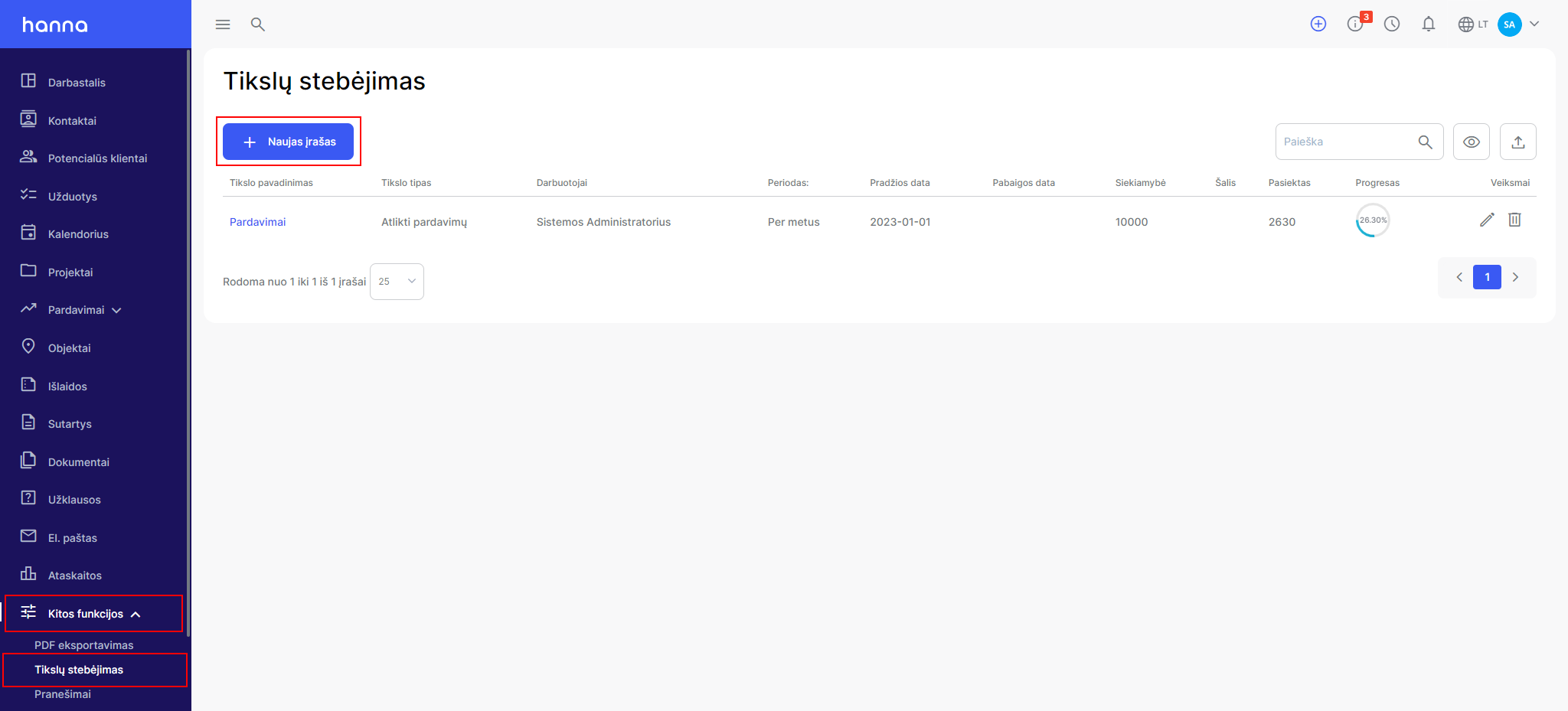
- Fill in the information specific to the goal:
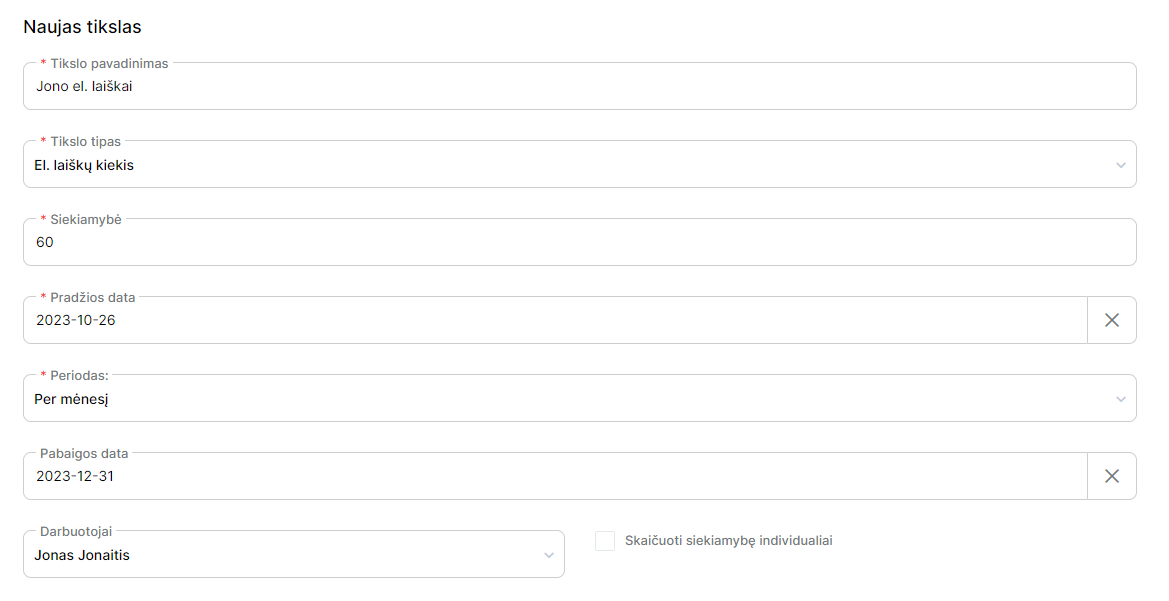
- If the goal is related to several employees, then you can check the box -Calculate goal progress individually,then the achieved results will be calculated for each employee separately:

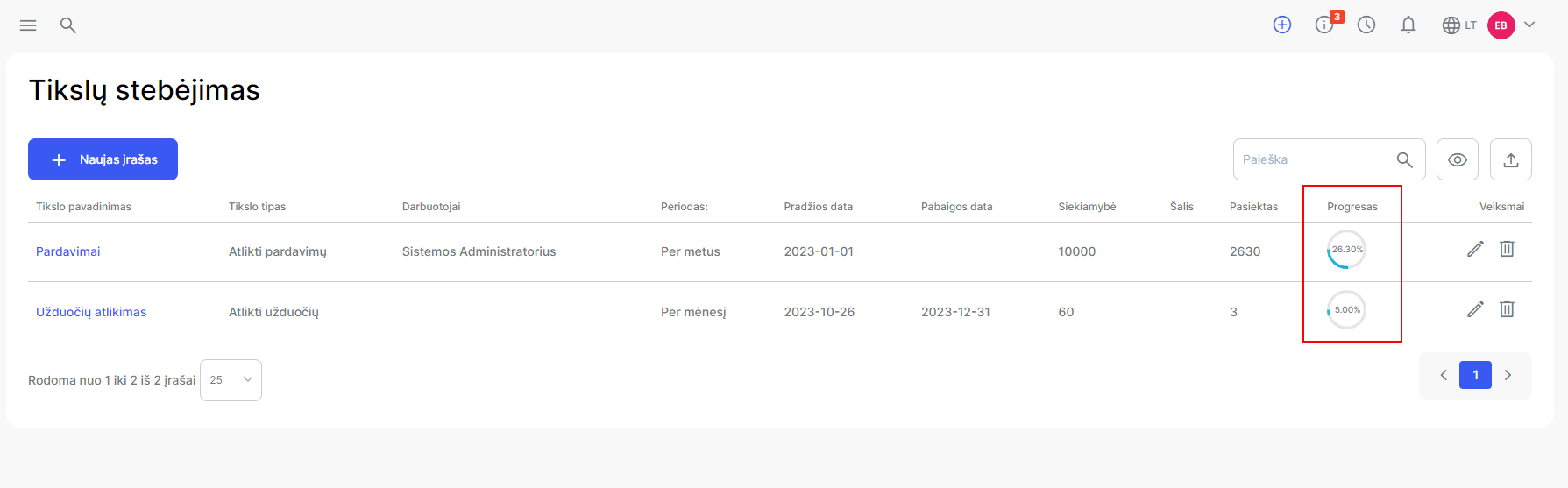
- You will see the progress of the goals in the general list of goals:
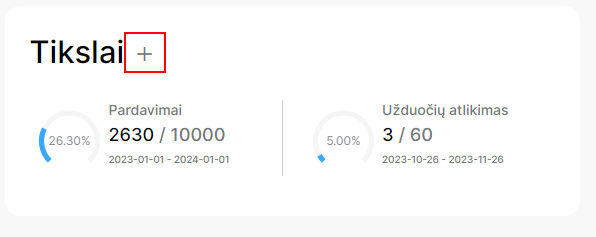
and on the desktop:
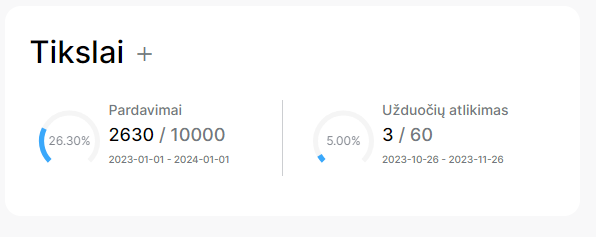
- If you have several goals, you can choose which goals should be displayed on the desktop by selecting the plus icon:
Was this helpful?
Still need help? Ask the team